
Review: on the road with Microsoft's Surface Go
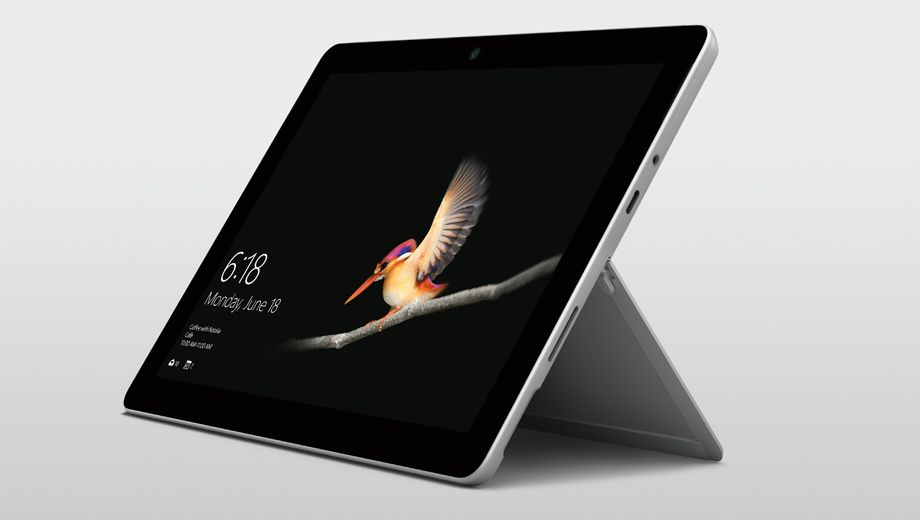
Walk through airline lounges around the world and you'll see a revolution taking place. The sea of MacBooks and iPads is being replaced by a rising tide of tablets and laptops from Microsoft. And among this latest wave of devices is Microsoft's smallest Surface device yet – the 10.5-inch Surface Go.
Looking a lot like its big brother, the 12.3-inch Surface Pro, the Surface Go lines up against Apple’s 10.5-inch iPad Pro with a powerful CPU plus enough memory and storage to become a solid go-to machine for business travellers with modest needs.
It sports the Surface Pro’s kickstand so you can angle the display however you like, and the optional-but-really-mandatory Type Cover keyboard ($150) is comfortable to bash away on for hours at a time.
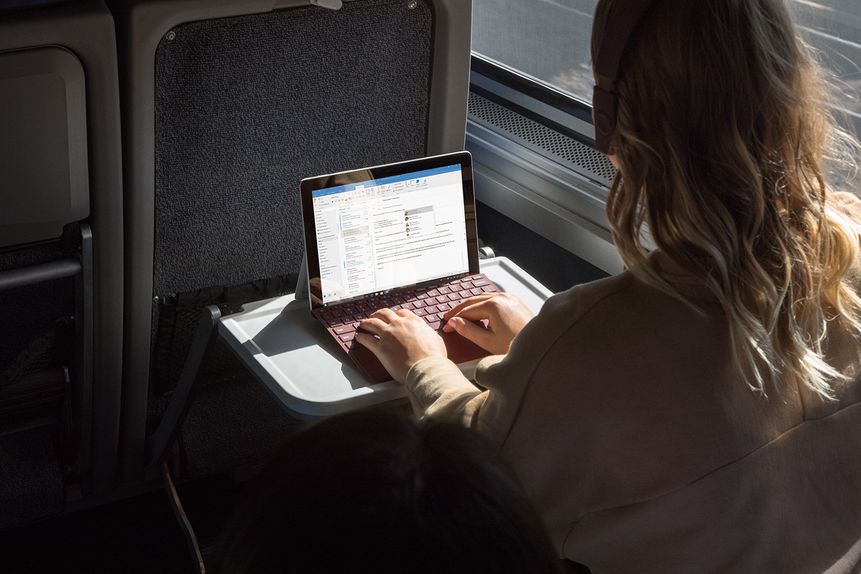
The Surface Go Type Cover is angled slightly to put your wrists into a more comfortable position than with the iPad Pro, and the trackpad complements the touchscreen to create a productive work tool.
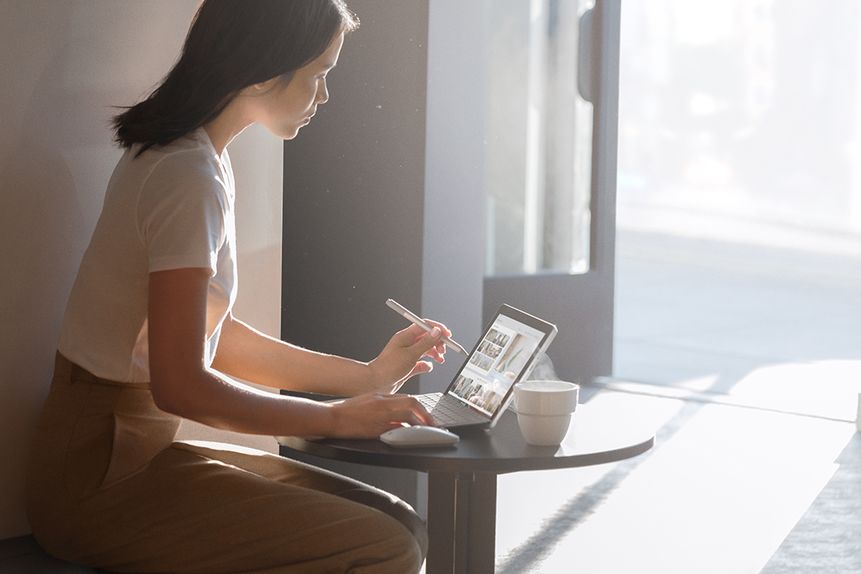
The Surface Pen (also optional, at $140) makes it a breeze to mark up documents during meetings or taking notes using Microsoft OneNote.
If you’re keeping score, that’s two ‘optional’ accessories which you will need to make the most of the Surface Go, and between them they add almost $300 to the Surface Go’s sticker price.
Thankfully, that price starts at a mere $599 with 64GB of storage and 4GB of memory; the top shelf 128GB / 8GB model lands at $839, so shelling out another $290 for the keyboard cover and stylus still means that for $1,129 you’re getting a competent and versatile go-anywhere device.
That’s welcome news when it wasn’t long ago that a super-portable Windows PC filled to the gills with leading-edge tech would have cost a king's ransom.
It's worth noting that while the Surface Go ships with Windows 10 running in a special S Mode which limits you to installing apps from Microsoft's Windows Store, you can switch across to standard Windows 10 Home Edition at no cost.
On the road with the Surface Go
Limiting internal storage to 64GB or 128GB options makes the Surface Go more of an Office-style and cloud-centric productivity device, but you can easily expand storage with a microSD card (the slot is tucked out of the way behind the kickstand).
You can connect an external drive through the solitary USB-C port, or use that port with a HDMI adaptor or any number of third-party docking solutions.
Perhaps the biggest surprise is the Surface Go's display. Microsoft has packed in a 1800 x 1200 screen that trumps many notebooks, resulting in images, movies and text which were unfailingly crisp and clear.
Microsoft has learned plenty of lessons while developing each generation of the Surface family.
While retaining a svelte and lightweight profile – at a tick over half a kilo, the Surface Go slips easily into to your carry-on bag – this is a device that feels solid enough to withstand the rigours of regular travel.
I spent many hours using the Surface Go without the optional Type Cover, and as a tablet it’s great for watching movies, Web browsing, reading documents and scribbling notes in OneNote.
As the kickstand can be adjusted to almost any angle, the Surface Go's on-screen keyboard is comfortable to use if you need to tap out a quick email or make a few typed notes.
My biggest criticism of the Surface Go is that Microsoft has retained a proprietary magnetic connector for charging the battery.
Yes, you can hunt down a third-party USB-C charger to keep the battery topped up – and it’s good for a soli day of work – but I'd rather Microsoft had ditched this unique charging socket for a second USB-C port.